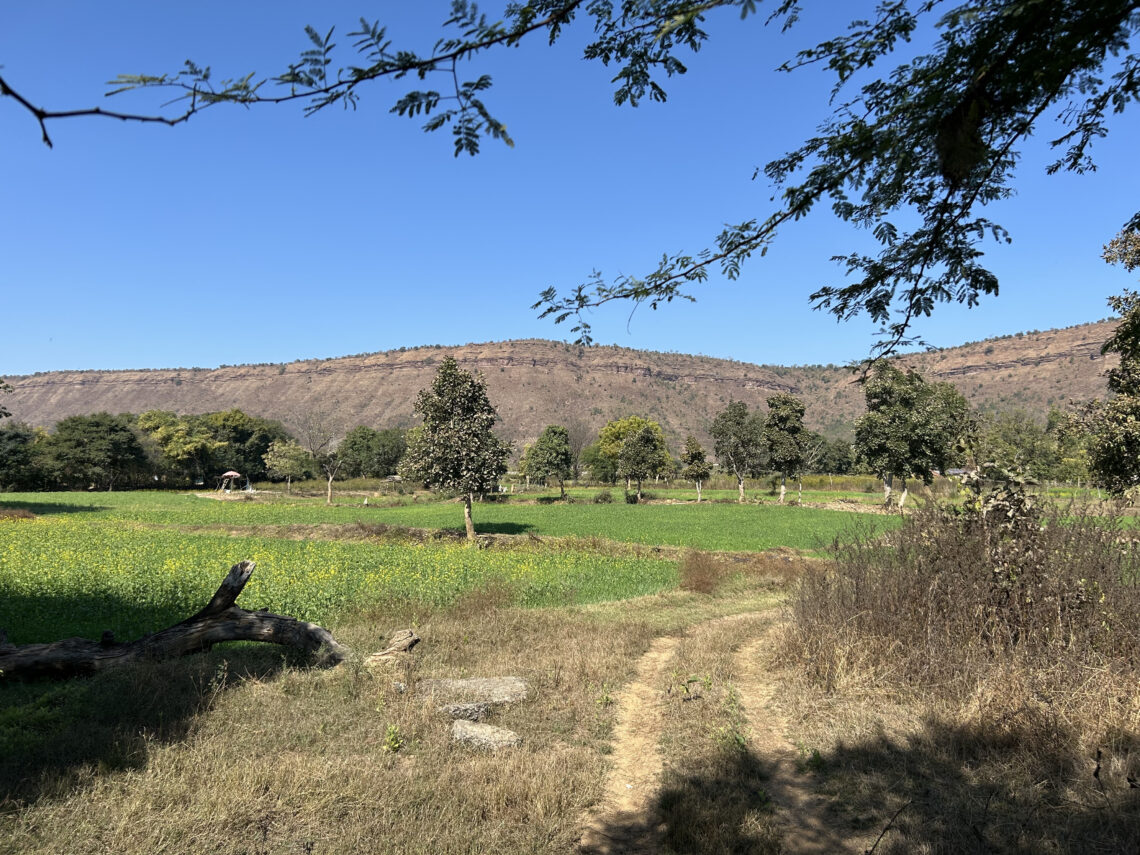
Turn your pocket-sized device into a powerful creative tool.
Why Mobile Photography Matters Today
There was a time when great photography required expensive cameras, bulky lenses, and years of technical knowledge. Today, the smartphone in your pocket can capture breathtaking landscapes, stunning portraits, cinematic videos, and professional-quality content.
Mobile photography is no longer just a convenient alternative—it has become a legitimate art form.
Whether you’re documenting daily life, creating content for social media, traveling, or simply preserving memories, learning mobile photography can dramatically improve the way you see and capture the world.
What Makes Smartphone Cameras So Powerful?
Modern smartphones combine advanced hardware with computational photography.

Key Features
- Multiple camera lenses
- AI-powered image processing
- Night photography modes
- Portrait effects
- HDR imaging
- RAW photo support
- Professional video recording
These technologies help photographers create impressive images without carrying heavy equipment.
Interactive Poll
What do you mostly photograph?
- Landscapes
- Portraits
- Street Photography
- Food Photography
- Travel
- Nature & Wildlife
- Architecture
- Everyday Life
Comment below with your answer!
Understanding the Basics of Composition
A great photo begins with composition.

1. Rule of Thirds
Imagine your screen divided into nine equal rectangles.
Place your subject along the lines or at their intersections rather than in the center.
Why It Works
It creates balance and naturally guides the viewer’s eye.
2. Leading Lines
Roads, rivers, railways, fences, and pathways can direct attention toward your subject.
Examples:
- Streets
- Bridges
- Hallways
- Shorelines
Leading lines add depth and visual interest.
3. Framing
Use natural elements to frame your subject:
- Windows
- Doorways
- Trees
- Arches
Framing creates focus and tells a stronger visual story.
4. Symmetry and Patterns
Humans naturally appreciate symmetry.
Look for:
- Reflections
- Buildings
- Staircases
- Repeating textures
These subjects often create striking compositions.
The Secret Ingredient: Light
Photography literally means “drawing with light.”
Understanding light can instantly improve your images.
Golden Hour
The hour after sunrise and before sunset.
Benefits
- Soft shadows
- Warm colors
- Beautiful skin tones
- Enhanced landscapes
Many professional photographers shoot primarily during this time.

Blue Hour
Occurs shortly before sunrise and after sunset.
Perfect for:
- Cityscapes
- Architecture
- Long exposures
- Atmospheric scenes
Midday Sun
Generally harsh and difficult.
If shooting at noon:
- Find shade
- Use shadows creatively
- Avoid direct sunlight on faces
Interactive Challenge
Today’s Assignment:
Take three photos of the same subject:
- Morning
- Afternoon
- Evening
Compare how the light changes the mood.
Share your favorite result.
Camera Settings You Should Know
Most smartphone users never explore camera settings.
That’s a mistake.
HDR
High Dynamic Range helps balance bright and dark areas.
Use it when:
- Shooting landscapes
- Photographing sunsets
- Capturing high-contrast scenes
Grid Lines
Turn on grid lines.
Benefits:
- Better composition
- Straight horizons
- Easier use of the Rule of Thirds
RAW Format
If your phone supports RAW photography:
Use it.
Advantages:
- More editing flexibility
- Better dynamic range
- Improved color control
Mobile Photography Genres
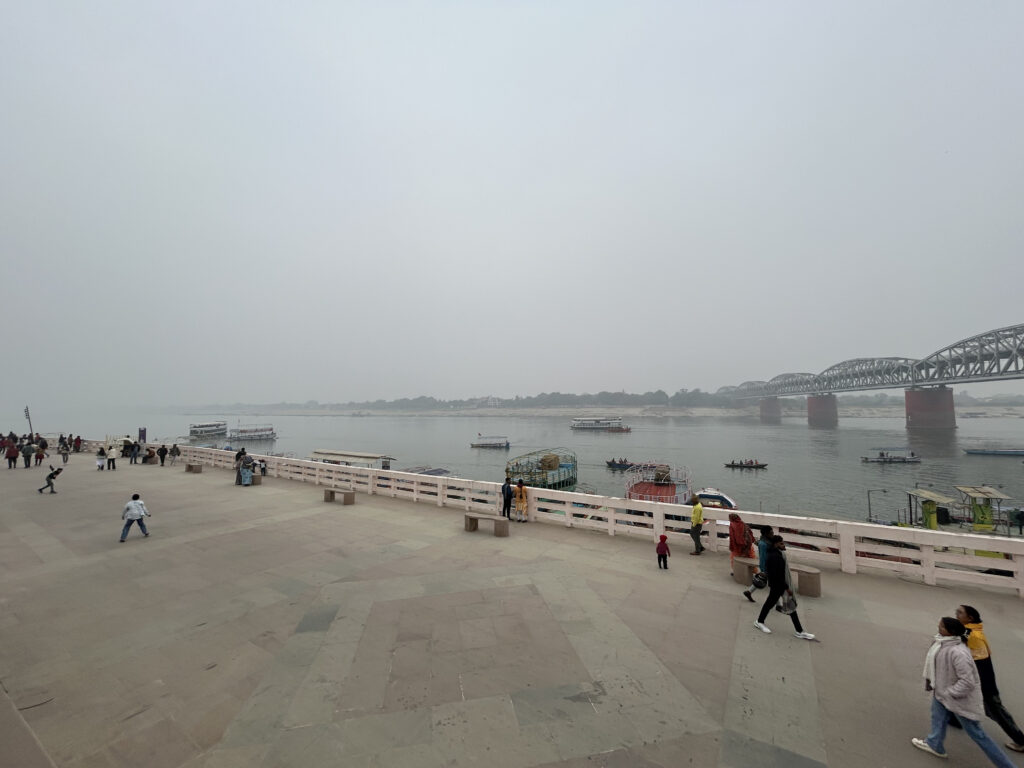
Landscape Photography
Tips:
- Include foreground elements
- Shoot during golden hour
- Use HDR
- Keep horizons level
Portrait Photography
Tips:
- Focus on the eyes
- Use portrait mode carefully
- Avoid cluttered backgrounds
- Use natural light
Street Photography
Tips:
- Observe patiently
- Capture genuine moments
- Tell stories through people and environments
- Respect privacy and local laws
Food Photography
Tips:
- Shoot near a window
- Use simple backgrounds
- Focus on details
- Avoid flash
Travel Photography
Don’t just photograph famous landmarks.
Capture:
- Local culture
- Street scenes
- Food
- Small details
- Everyday life
Those images often tell better stories.
Editing: Where Good Photos Become Great
Editing enhances your vision.
It should improve a photo—not completely transform reality.
Recommended Editing Apps
Snapseed
Excellent for:
- Exposure adjustments
- Selective edits
- Perspective correction
Lightroom Mobile
Great for:
- Professional editing
- RAW processing
- Presets
VSCO
Popular for:
- Creative filters
- Film-inspired looks
Quick Editing Workflow
Step 1
Adjust exposure.
Step 2
Correct highlights and shadows.
Step 3
Fine-tune contrast.
Step 4
Adjust white balance.
Step 5
Crop and straighten.
Step 6
Sharpen carefully.
Done.
Simple often works best.
Common Mobile Photography Mistakes
- Dirty camera lens
- Over-editing
- Excessive zoom
- Crooked horizons
- Busy backgrounds
- Poor lighting choices
- Ignoring composition
Avoiding these mistakes instantly improves image quality.
Smartphone Photography Accessories
While not essential, these can help:
Mini Tripod
Perfect for:
- Night photography
- Long exposures
- Self-portraits
Lens Attachments
Useful for:
- Macro shots
- Wide-angle views
Portable Light
Helpful for portraits and product photography.

7-Day Mobile Photography Challenge
Day 1
Patterns
Day 2
Shadows
Day 3
Portraits
Day 4
Nature
Day 5
Street Photography
Day 6
Architecture
Day 7
Storytelling Photo
Try to post one image daily.
You’ll be amazed at your improvement.
Frequently Asked Questions
Can smartphones replace professional cameras?
For many situations, yes.
However, professional cameras still offer advantages in:
- Lens selection
- Low-light performance
- Sensor size
- Specialized photography
Is editing cheating?
No.
Editing has always been part of photography.
Even film photographers edited images in darkrooms.
Which smartphone is best for photography?
The best camera is the one you have with you.
Modern flagship phones from major manufacturers are all capable of producing excellent results.
Final Thoughts
Mobile photography is not about having the most expensive phone.
It is about learning to observe light, understand composition, and tell meaningful stories through images.
The camera doesn’t create the photograph—you do.
The next great image might already be waiting outside your door.
So clean your lens, step outside, and start seeing the world differently.
Reader Interaction
Tell us in the comments:
What is your favorite mobile photography subject, and what smartphone do you use?
Let’s discuss and learn together.